Analytics
The Analytics page is a read-only summary of your collection and of how much work the curator’s language model is doing. It is the page to glance at when you want to know “how much do we know?” and “what is this costing in tokens?”.
What you’ll see
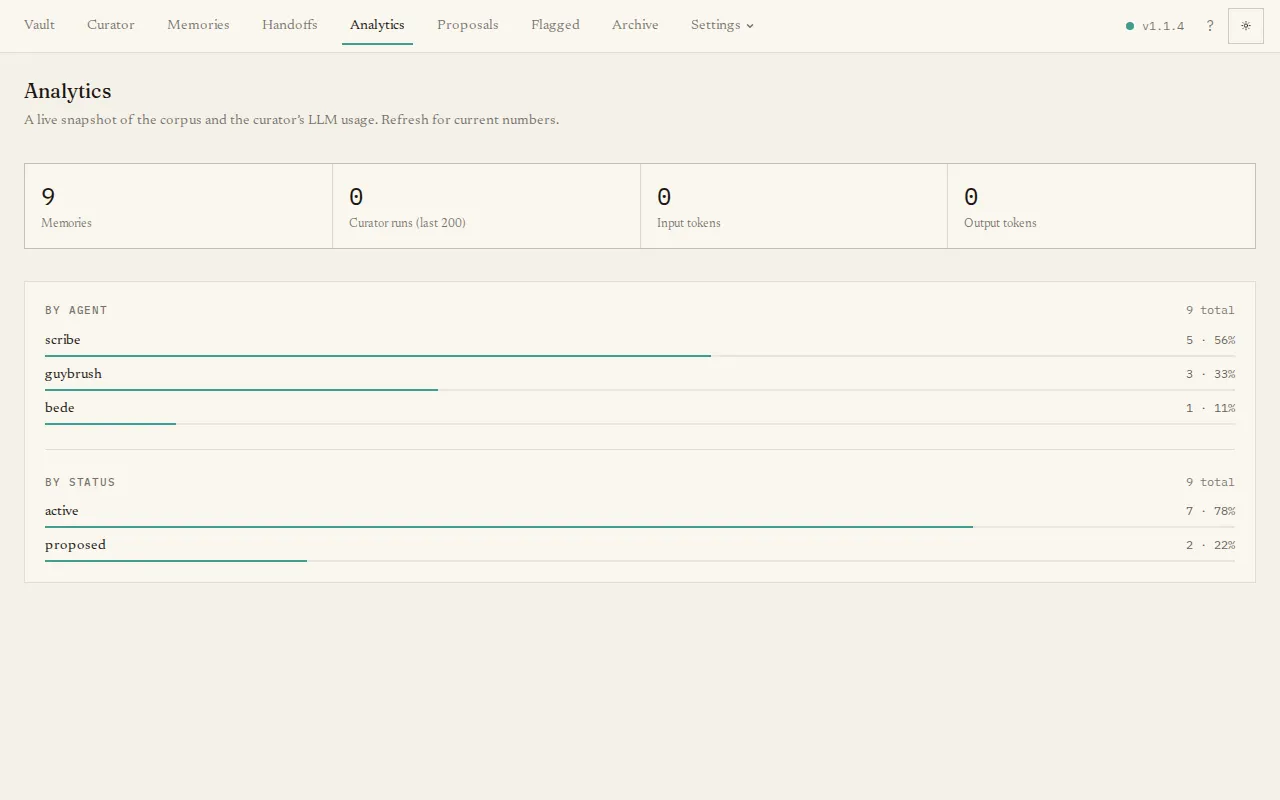
Section titled “What you’ll see”- Totals — at-a-glance tiles: total memories, recent curator runs, and the input and output tokens those runs used.
- Breakdowns — your memories split by agent (which tool contributed them) and by status (active, proposed, archived), each shown as a count with a proportion bar.
- Curator LLM usage — when the curator has run, a summary of total tokens and completed runs, broken down per model so you can see which model is doing the work and roughly what it is using.
The numbers are live; refresh the page for the current figures. There is nothing to configure here — it is purely a read-out. To change how the curator runs, use Settings → Curator.