Archive
The Archive page holds memories that have been retired — set aside rather than shown to agents. Archiving is reversible and safe: an archived memory still exists in the vault and its history, it just no longer turns up in recall. This page is where you review those retired notes and, if you are sure, remove them for good.
What you’ll see
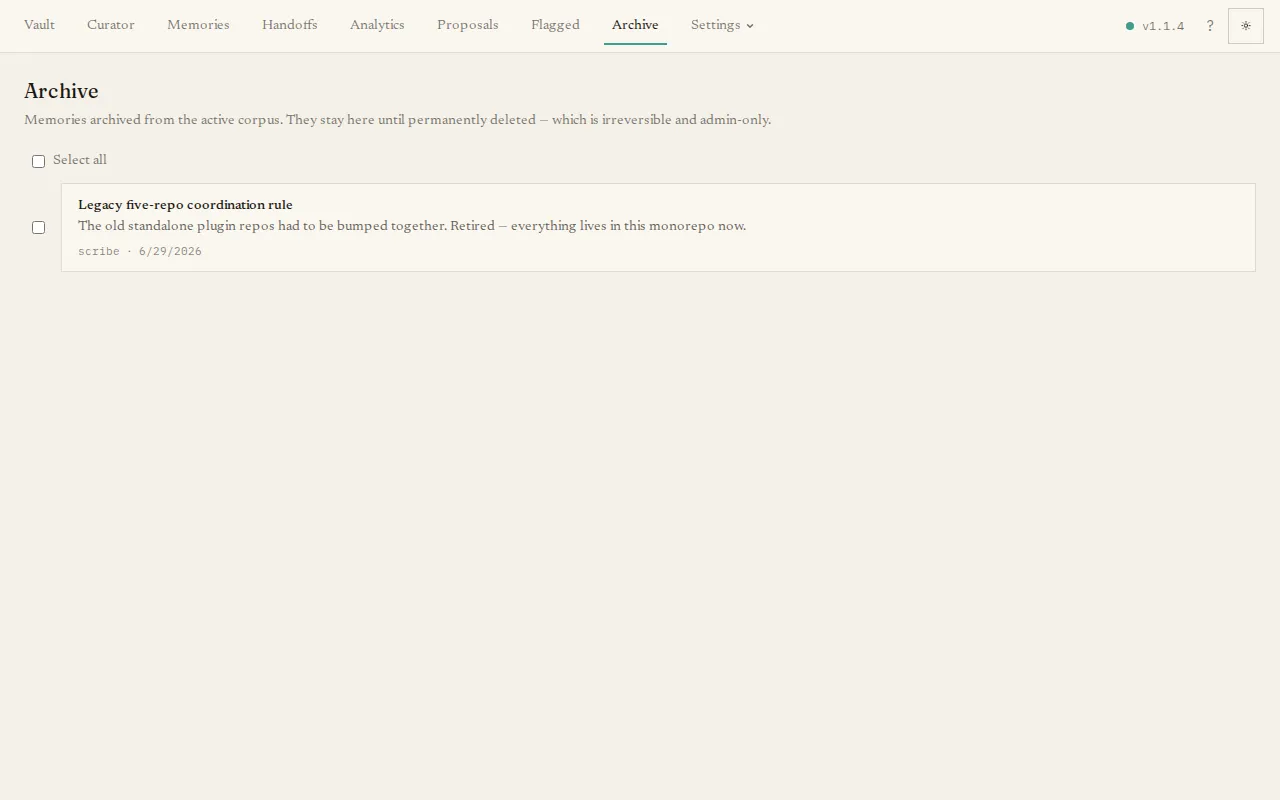
Section titled “What you’ll see”A list of your archived memories (up to 100 at a time), each with a checkbox.
The main task
Section titled “The main task”Tick the memories you want to remove and press Permanently delete. A confirmation dialog lists exactly which memories will go. This step is irreversible — unlike archiving, deletion removes the memory — so it asks you to confirm first. There is a select-all control for clearing out many at once.
If nothing has been archived, the page reads No archived memories.
Most memories arrive here from the Proposals, Flagged, or Memories pages, where “archive” is one of the choices.