Vault
The Vault page is a file explorer for everything The Librarian stores — every memory, handoff, reference, weekly Chronicle entry, the curator’s guidance files, and the agent briefing — as the plain Markdown files they really are. It is the dashboard’s home page, and it works a lot like the note-taking app Obsidian, so you never need to touch Git or a separate editor.
What you’ll see
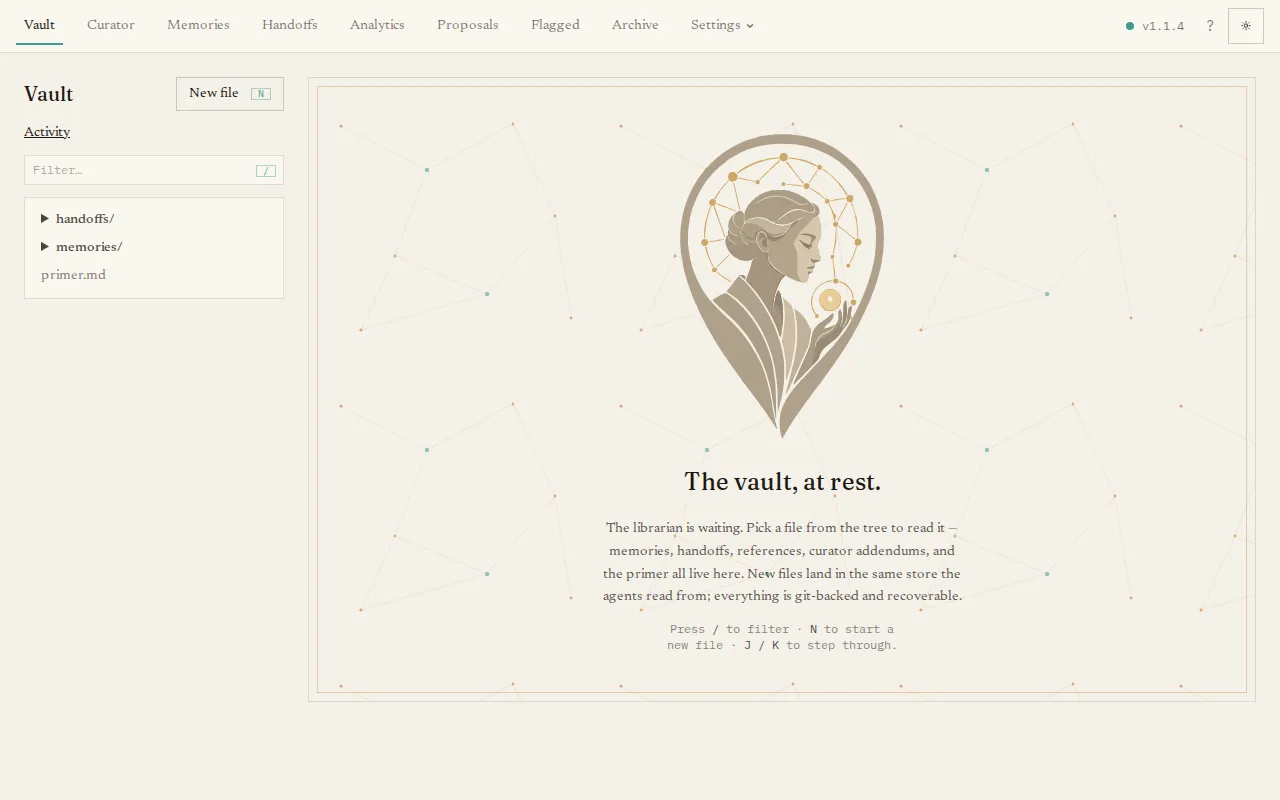
Section titled “What you’ll see”A split view: a file tree on the left, and whatever file you select on the
right. The tree groups the vault into memories, handoffs, references, the curator’s
addendums, and primer.md; type in the filter box to find a file fast.
Weekly reviews live with the other references under references/chronicle/. They
are ordinary Markdown files with ordinary history, so you can search, edit, or
restore them here. See The Chronicle.
The right-hand pane has three tabs:
- Read — the rendered Markdown, with clickable
[[wikilinks]]between notes, a table of the file’s properties, and a backlinks pane showing what links back to it. - Edit — a raw editor. Save commits your change; the frontmatter is validated first, so you cannot save a malformed note.
- History — every past version of this file, with diffs, and a Restore button that brings back an earlier version as a fresh commit (history is never rewritten).
The main tasks
Section titled “The main tasks”- Create a file with New file (a dialog with a folder picker).
- Move or rename a file, or Delete it, from the file header.
- Edit and save in the Edit tab — every save is recorded in Git.
- Roll back a single file from its History tab.
Keyboard shortcuts speed this up: N new file, J / K to move between files,
/ to filter, E to edit, D to delete.
Everything you do here is a tracked change. To see the whole vault’s change history in one place — and to roll the entire vault back to a point in time — use the Activity view.